For small landlords · Free to start
Move-in and move-out reports in about 15 minutes
Walk the unit. Pin what’s worn or damaged. Line up move-in against move-out, and send a ready-to-quote work order to the repair person you already use.
Runs in your phone’s browser. No download, no card.
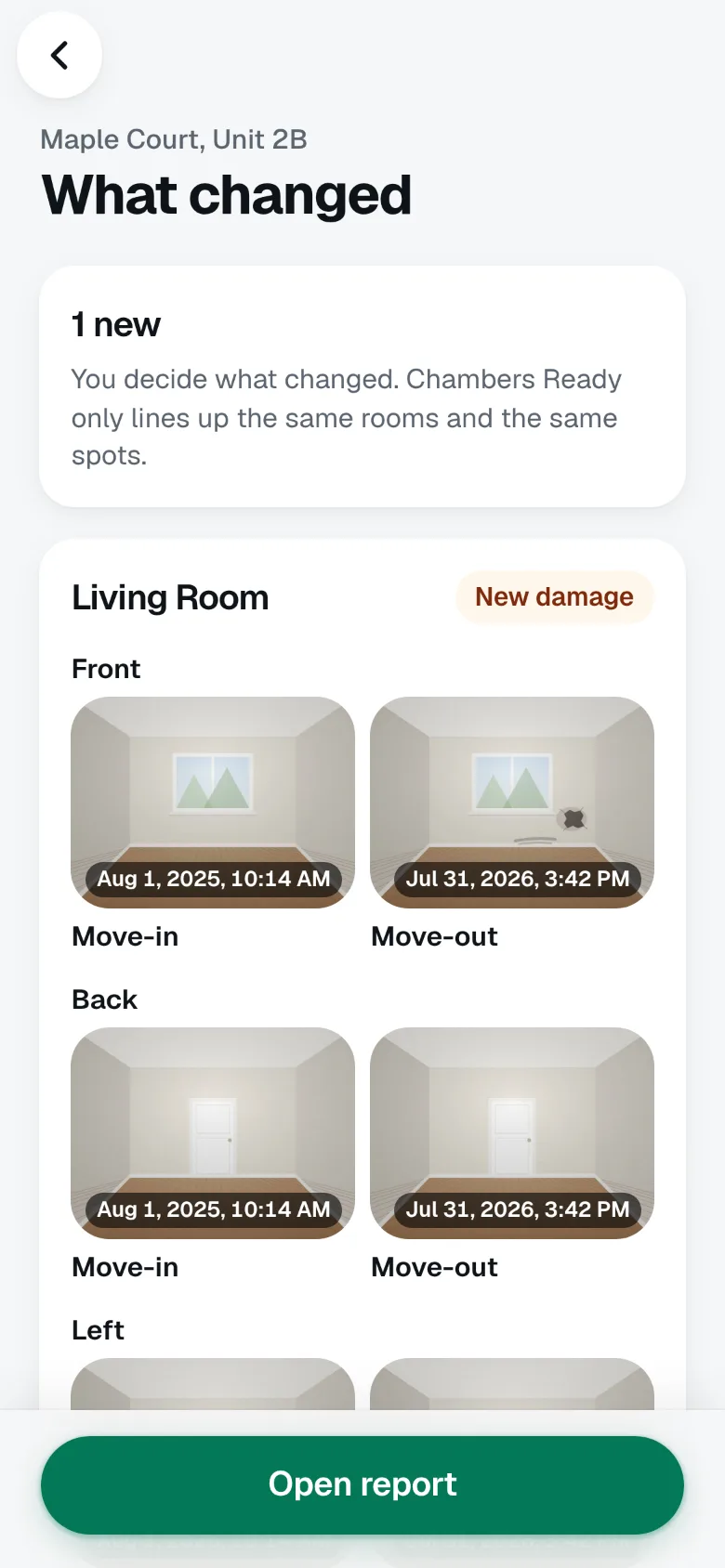
The move-out walk
Same wall. A year apart.
Side by side.
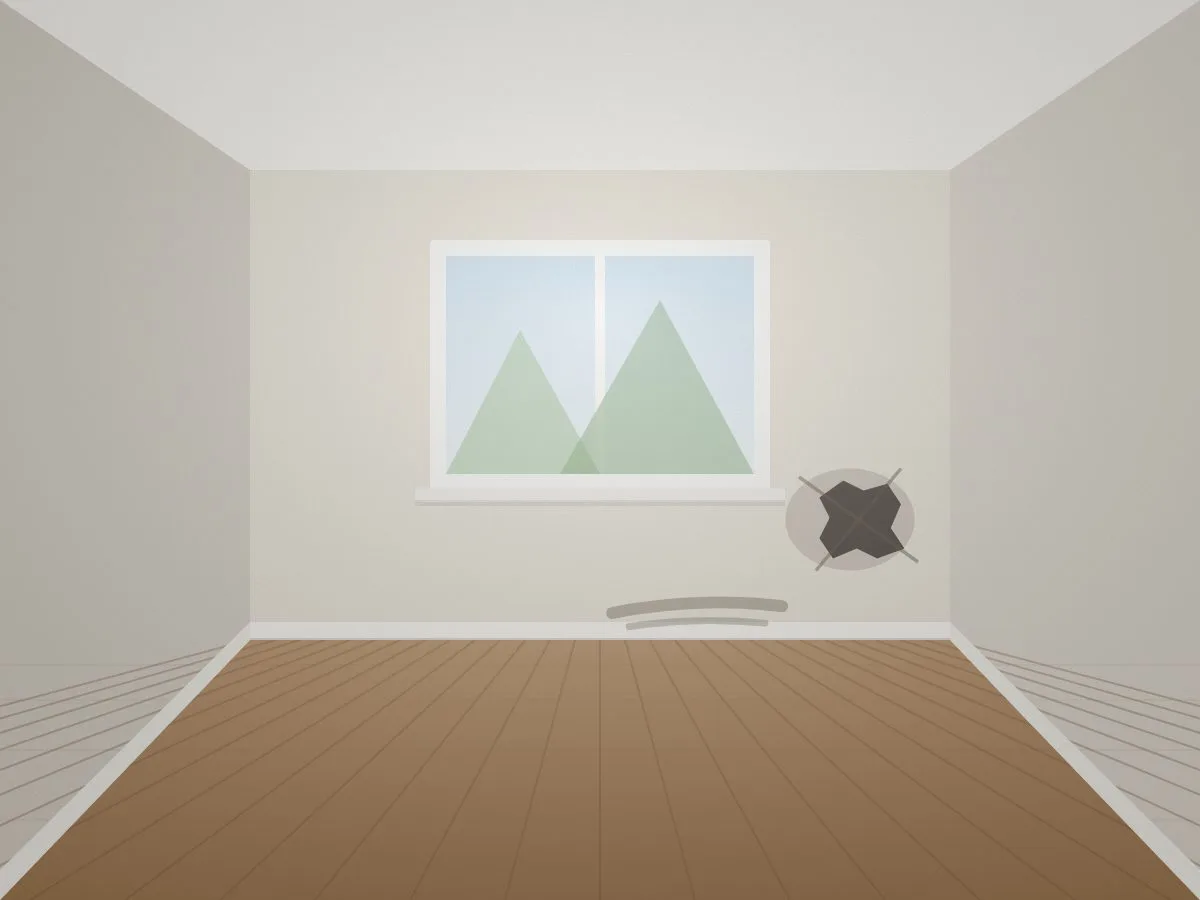
Chambers Ready photographs the same rooms from the same spots at move-in and move-out, then lines them up. Drag to see what changed.
 Move-in · Aug 1, 2025
Move-out · Jul 31, 2026
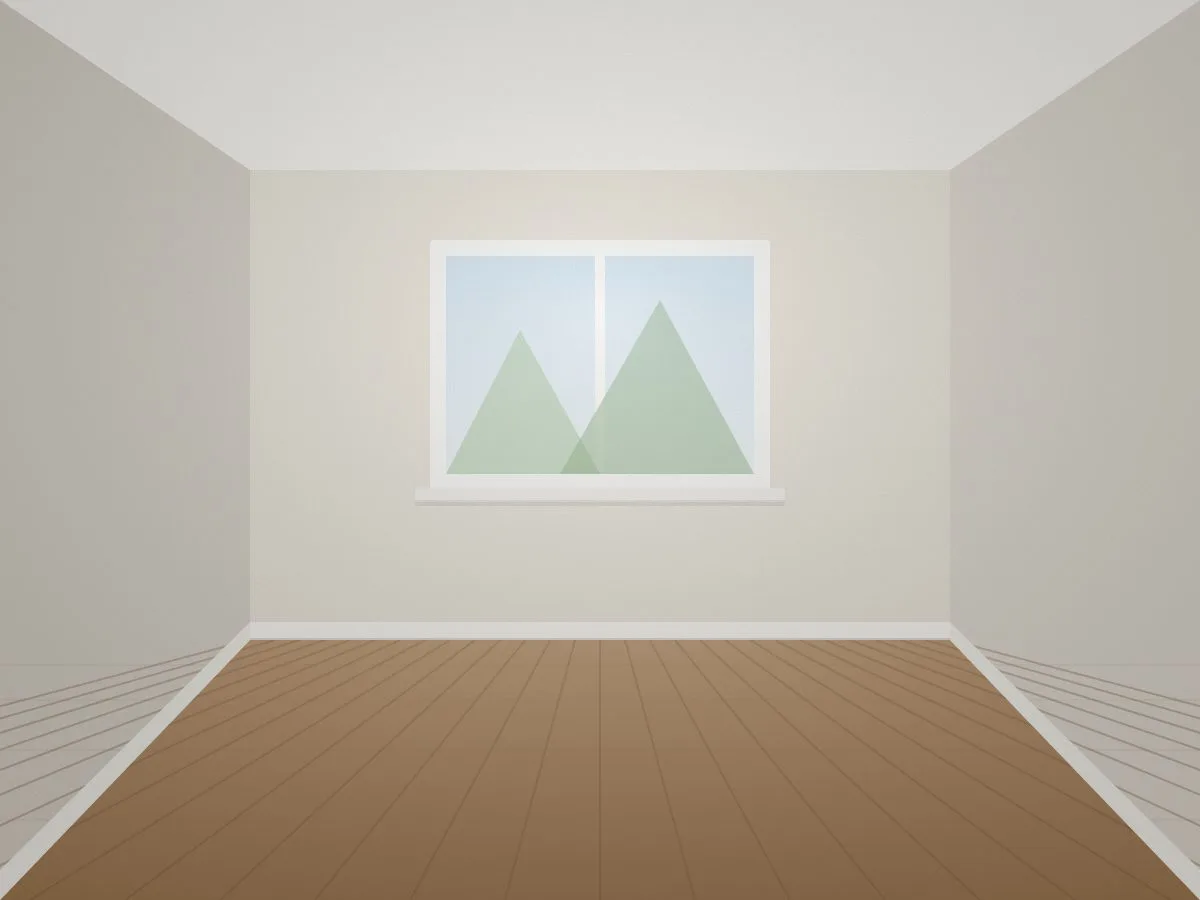
Demo photos. In the app, you decide what changed: no change, looks worse, or new damage.
How it works
Three steps. One walk.
-
 01
Walk each room
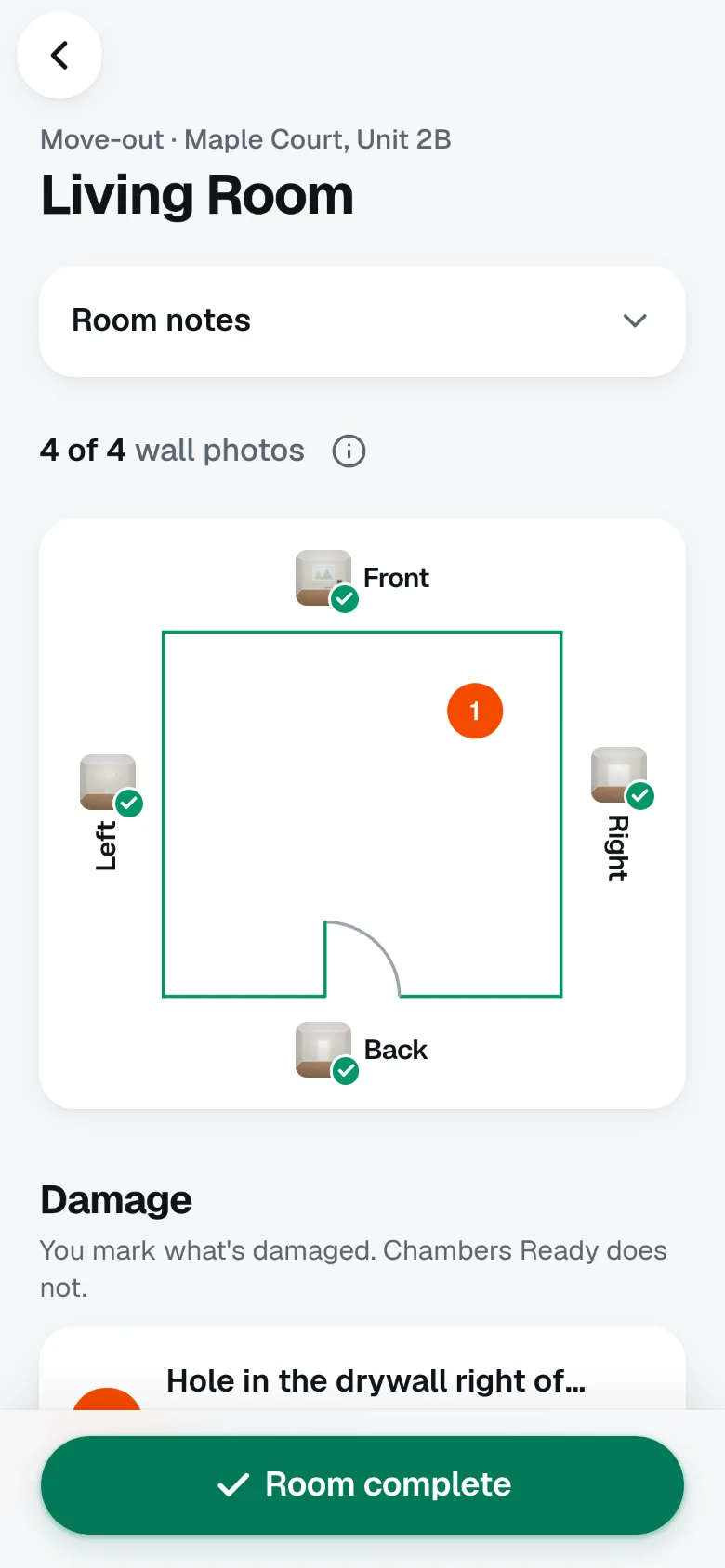
Photograph each side from the door. Most rooms need four photos. Hallways and laundry rooms need two, one from each end.
-
 02
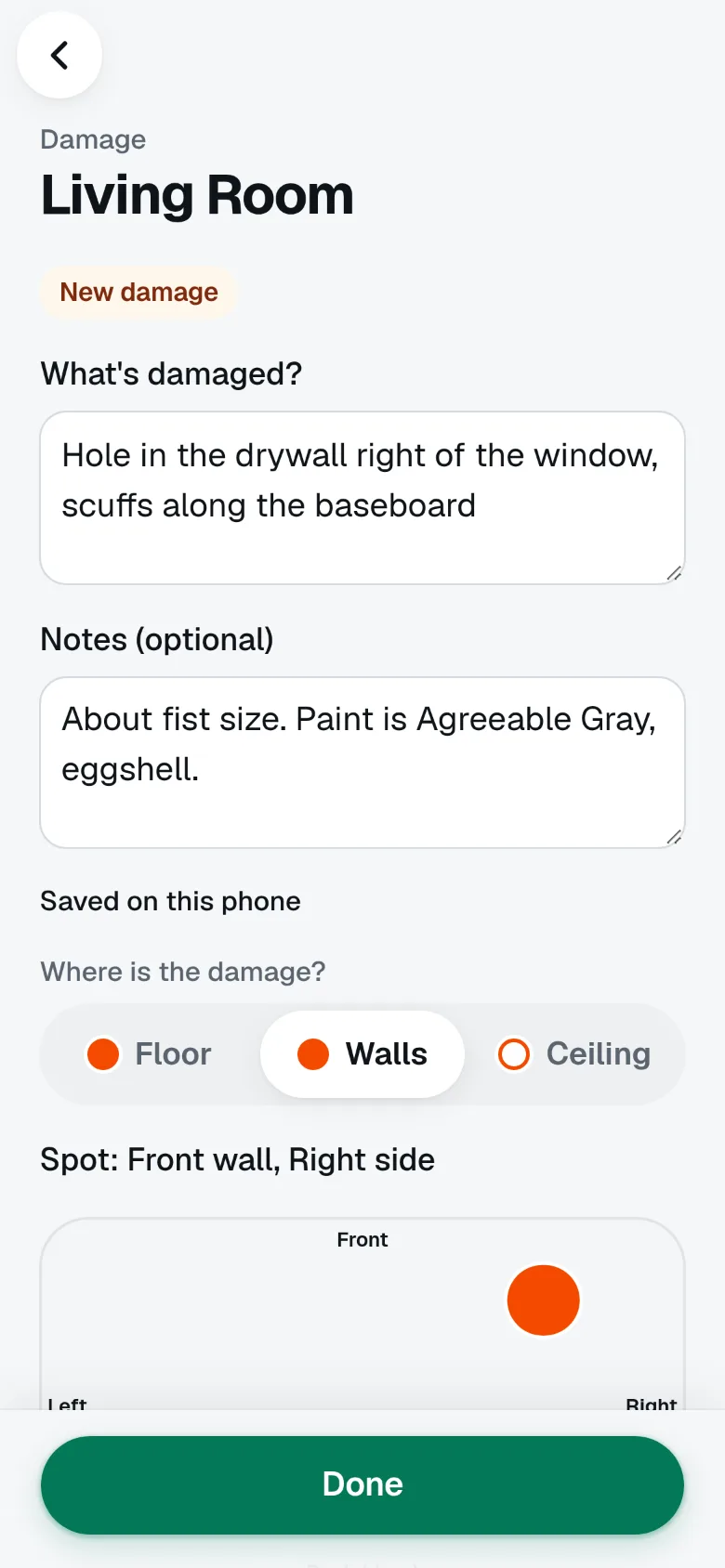
Pin damage, add close-ups
Tap the spot, take a close-up, and write what you see. You decide what counts. The app does not label damage for you.
-
 03
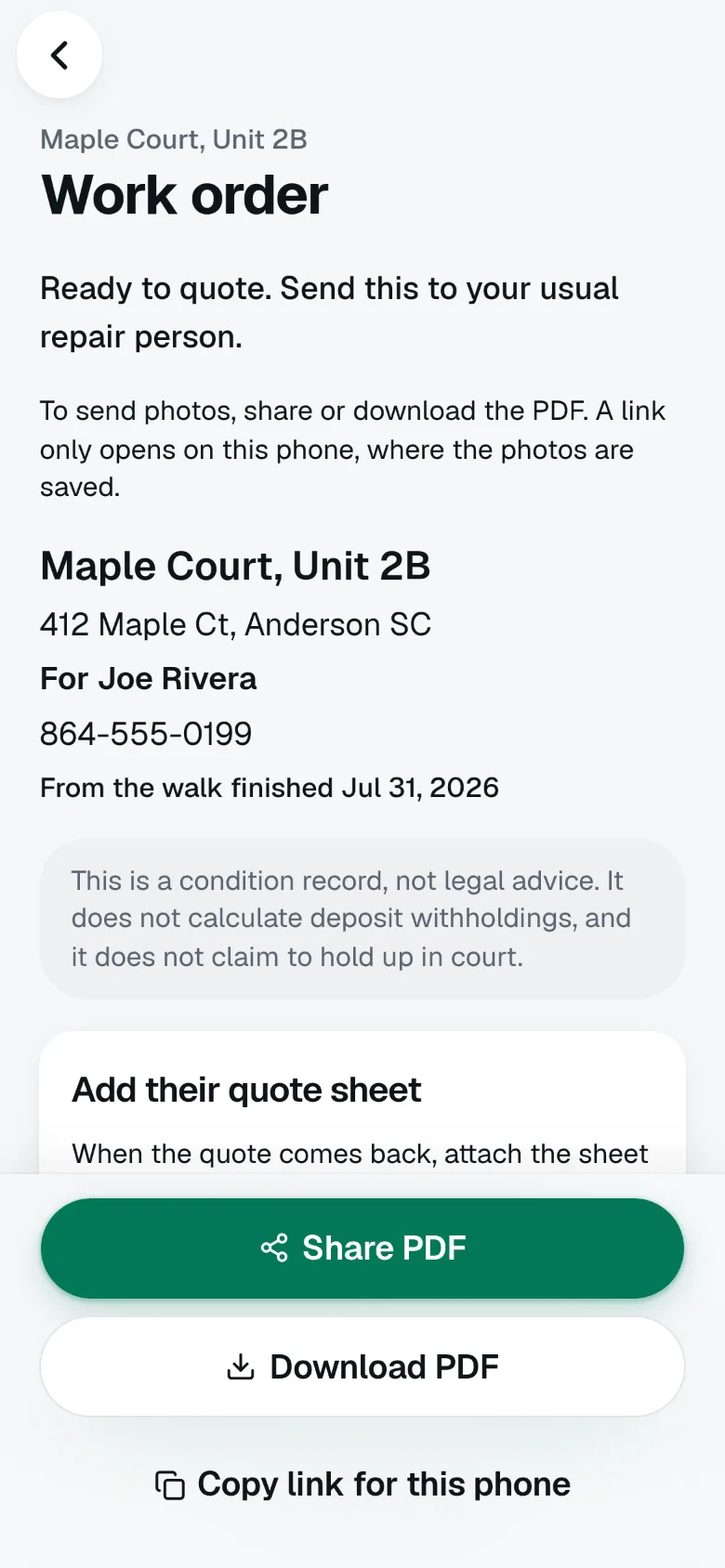
Compare and send
Line up move-in with move-out, then send a ready-to-quote work order to your own repair person, with the photos and pins attached.
What you get
Everything from the walk.
Nothing you didn’t mark.
-
Side by side, spot by spot
Every move-in photo next to its move-out photo. Mark whether a spot changed, got worse, or is new.
-
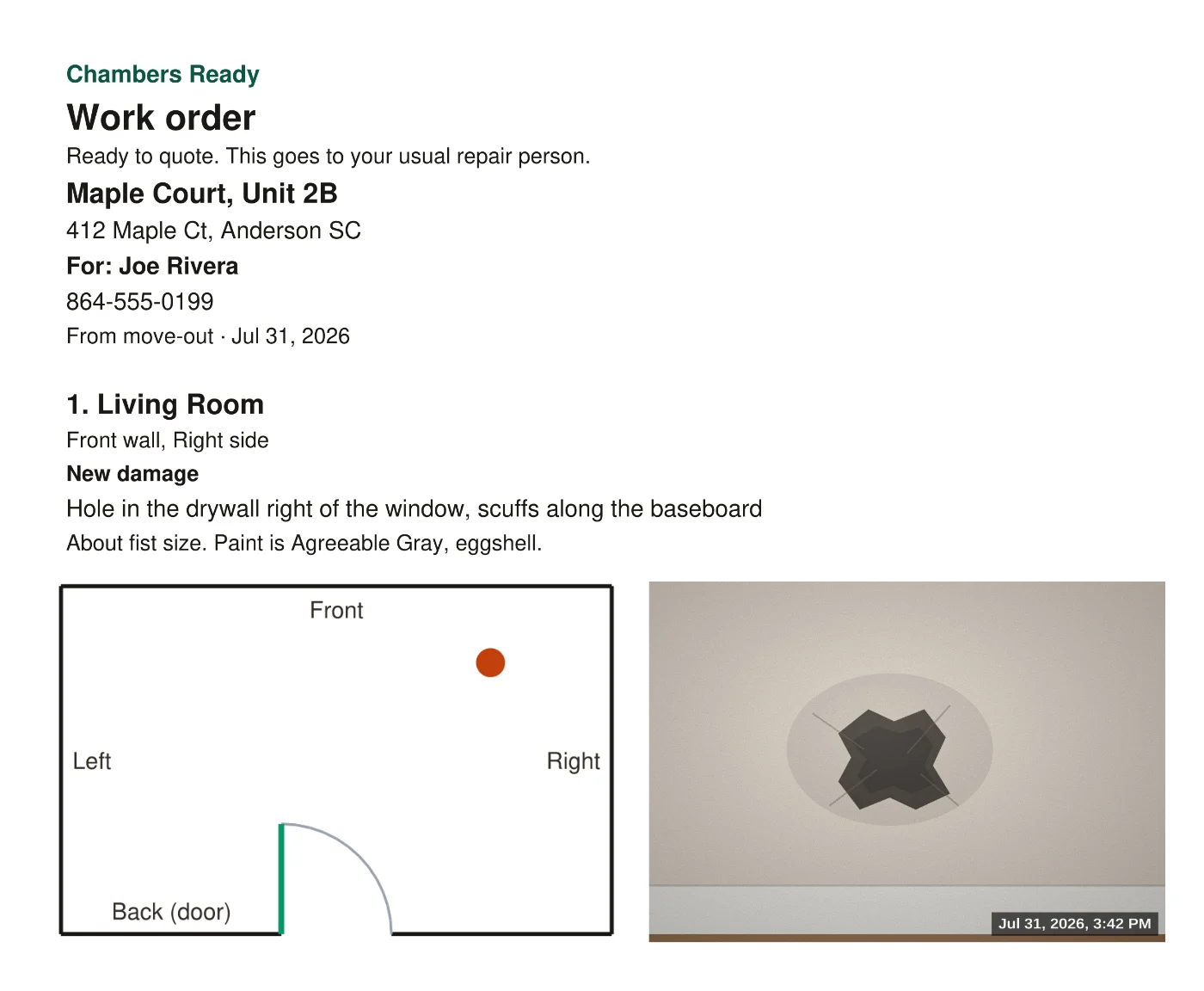
Ready-to-quote work orders
Send the damaged spots, photos, and notes to the repair person you already use.
-
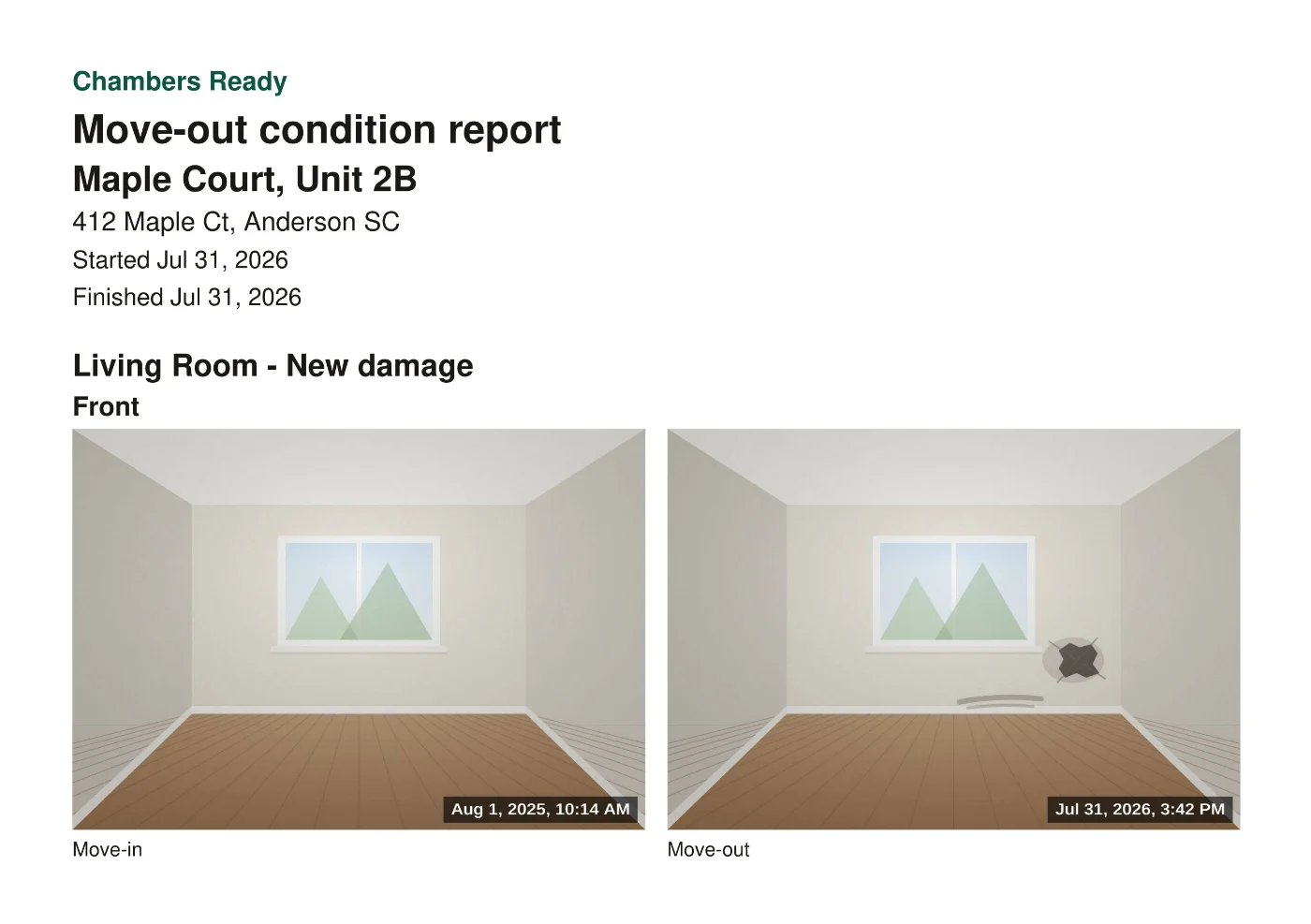
A report you can share
A dated PDF of the walk, with every room, photo, and pin.
-
Their quote sheet, attached
When the quote comes back, add their sheet as a photo or PDF. Kept as received.
-
Insurance claim packet
Put the comparison, photos, and quote sheets into one packet you can download and share.
-
Any phone. Backed up.
Runs in the browser and keeps working with a weak signal. Sign in with a passkey to back up your reports and see them on another phone or computer.
You call the damage.
Not an algorithm.
Chambers Ready never labels damage. It lines up the photos, keeps the dates, and gets the work to your repair person. What counts is your call.
- No damage labels
- No deposit math
- Not legal advice
Pricing
Free to start
Free
Available today
- Move-in and move-out reports
- Side-by-side comparison
- Shareable PDF report
Pro Coming soon
For landlords who send the work out
- Work orders for your repair person
- More paid tools on the way
No price to look at today.
FAQ
Questions
Does it work on any phone?
Yes. It runs in the phone’s browser. To keep it like an app, use Add to Home Screen. On iPhone, that’s Share, then Add to Home Screen.
Does the app decide what’s damaged?
No. You mark the damage. Chambers Ready only lines up the same rooms and the same spots so you can see them side by side.
What does my repair person get?
A ready-to-quote work order with the damaged spots, photos, and your notes. When their quote comes back, you can attach their quote sheet. Chambers Ready does not review or change quotes.
Where is my data?
On your phone. You can also create an account to back up reports and photos, and to see them on another phone or computer.
Is this legal advice?
No. Chambers Ready is a dated photo record. It does not calculate deposit deductions, and it is not a substitute for a lawyer.